 AZ Trainer
A Plague Tale: Innocence Trainer
A free, open-source trainer for A Plague Tale: Innocence on Windows. It attaches to the running game on its own and gives you invisible.
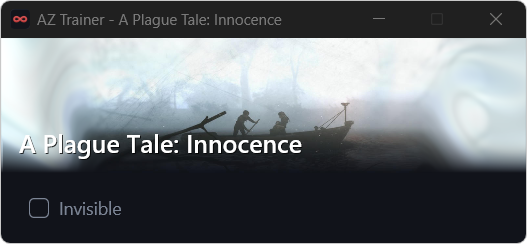
Options for A Plague Tale: Innocence
Every option in the A Plague Tale: Innocence script, with the shortcut that toggles it in game. Turning the trainer off restores the game exactly as it was.
| Option | Setting | Shortcut |
|---|---|---|
| Invisible | On / off | Alt+F1 |
The script is read before it runs and is never hidden from you: see configs/games/innocence.js. A Plague Tale: Innocence was released on 14 May 2019; the trainer checks the build it attaches to and stays out of the way when it does not recognise it.
How to use it
Download
Save az_trainer.exe in a folder of its own. On first launch it fetches the game scripts, including this one.
Start A Plague Tale: Innocence
AZ Trainer recognises the running game and its version, then attaches by itself.
Pick your options
Tick them in the window or use the shortcuts above. Closing the trainer reverts every change.
Windows SmartScreen warning. On first launch Windows may report that Microsoft Defender SmartScreen prevented an unrecognized app from starting. AZ Trainer is not code-signed, so new releases have not yet built up download reputation. Select More info, then Run anyway. To confirm the file is genuine, compare Get-FileHash az_trainer.exe with az_trainer.exe.sha256 on the release page.